STEP 1
Start in Grow Rooms
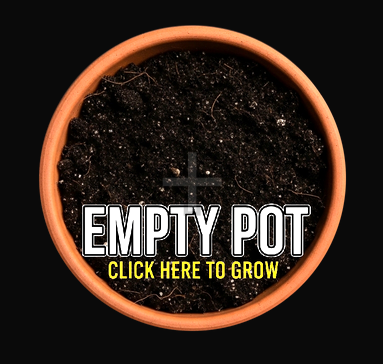
Open the Grow Rooms tab and tap an Empty Pot to begin planting your first seed.
STEP 2
Choose Your Seed
Select the strain you want to grow. Each seed has different potential outcomes.

STEP 3
Begin Growth Cycle
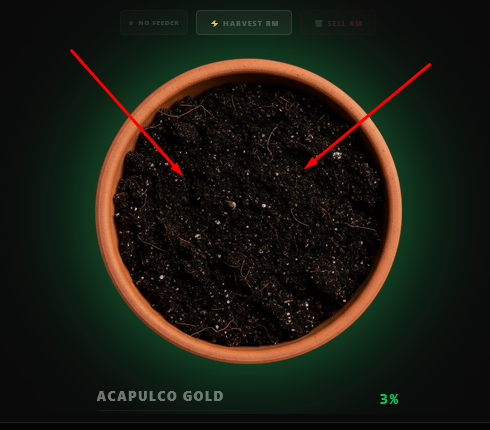
Tap the pot repeatedly to progress through early growth stages.
STEP 4
Continue Growing
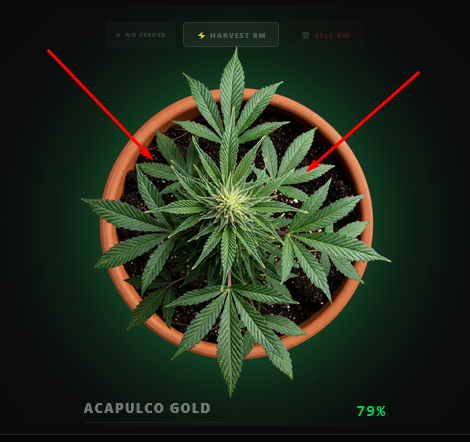
Keep interacting with the plant to push it through full development.
STEP 5
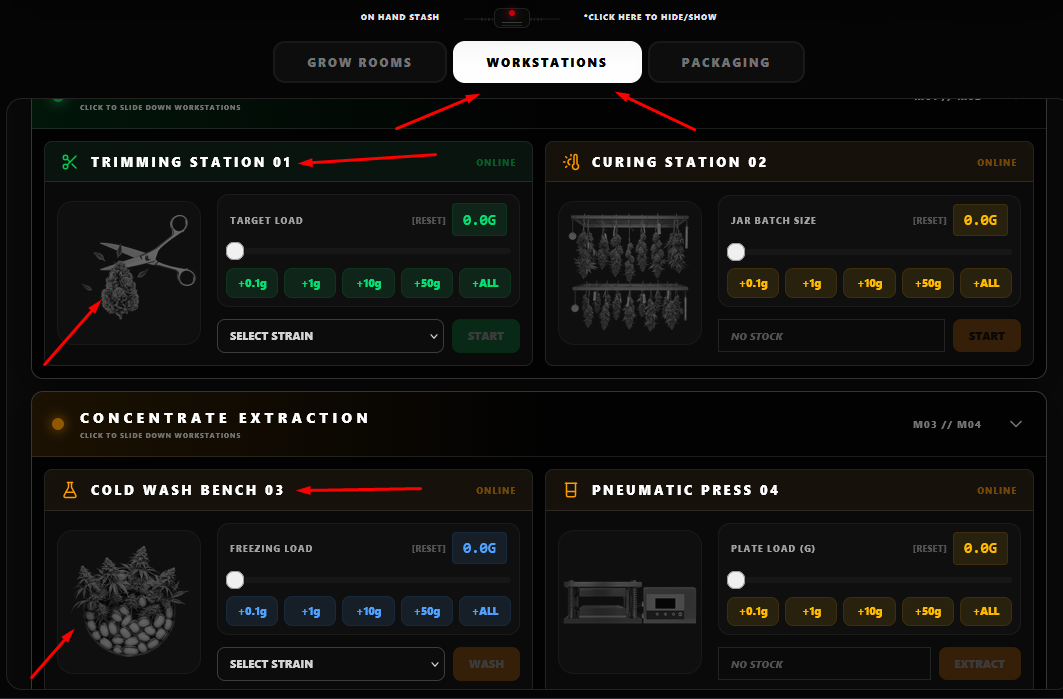
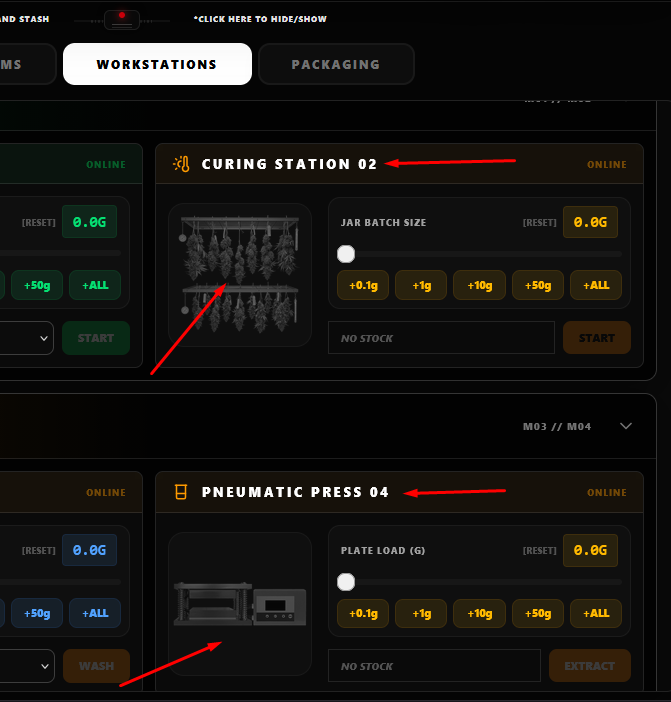
Workstations Processing
Switch to Workstations. Choose Flower or Concentrate, select a strain, and continuously process your product.
STEP 6
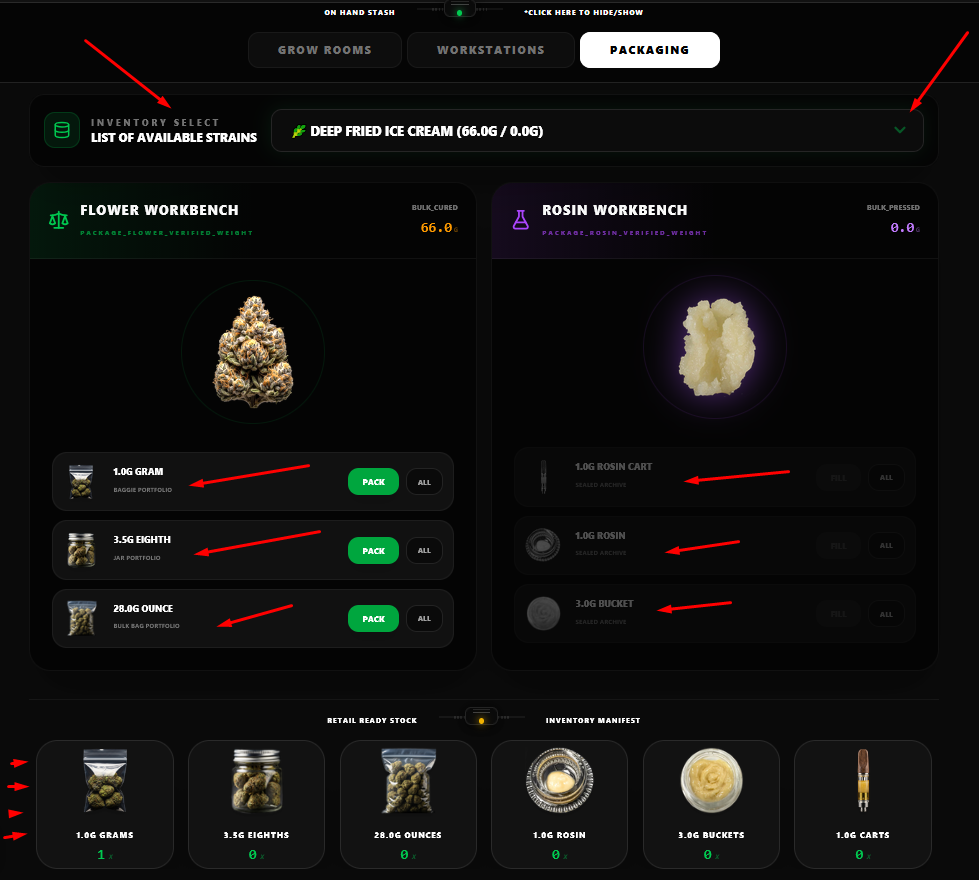
Packaging
Move to the Packaging tab and convert processed goods into sale-ready inventory.
STEP 7
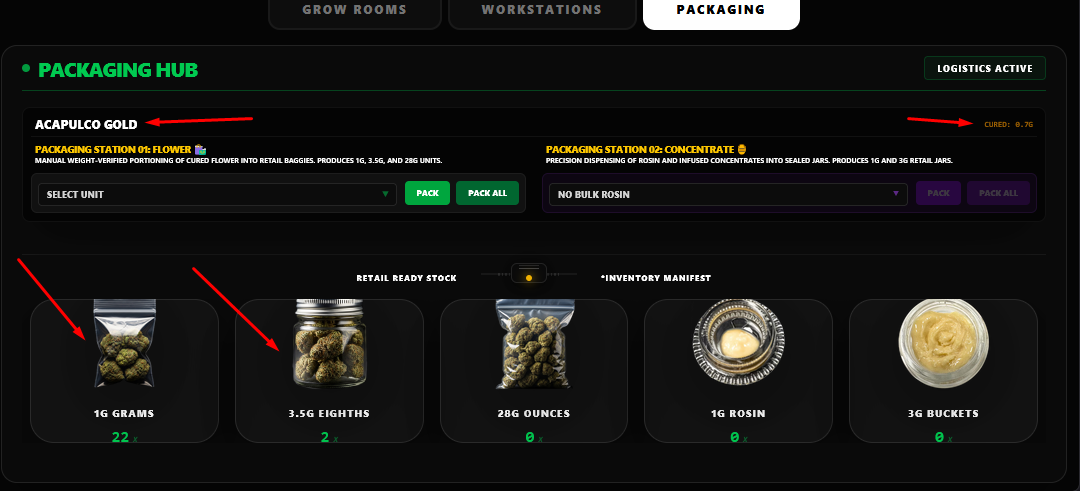
Inventory Check
Verify your stored products, processed materials, and packaged goods.
STEP 8
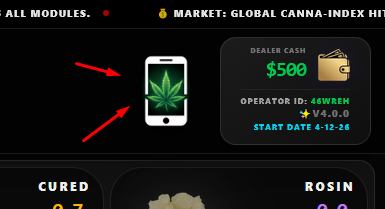
Smartphone System
Track Cash, Wallet, and access apps like Seed Market, Games, Puffer's Ride and Tons more to expand your operation and grow your empire.